




Official Coolzino App
Not all users want to go through a long process to get third-party gaming solutions – but with the Coolzino app, it’s not needed. You can install it in less than a minute. Once you see how convenient our PWA is, you’ll know it was worth it.


Coolzino Mobile Gaming
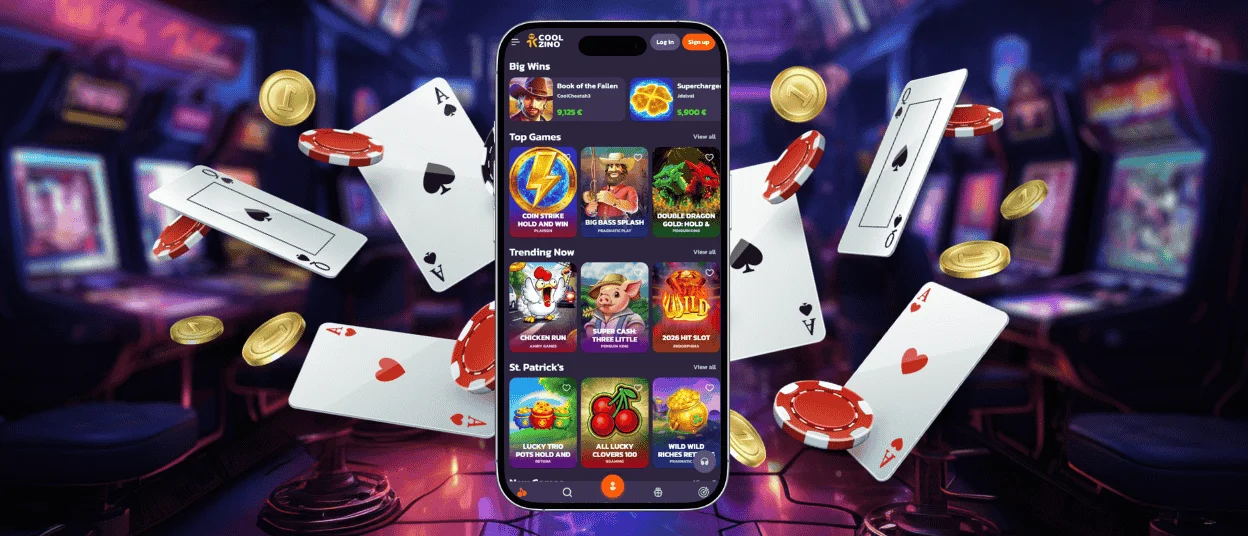
There’s a good reason why many of our members prefer playing on their mobile phones. Now they can spin slots or claim bonuses during those boring moments – while waiting in line or riding the bus.
To access the Cool Zino Casino platform from your phone, we offer two options. The first is the mobile browser version with a responsive design. The second is our application. It works more like a regular mobile solution because it opens via a shortcut and can be accessed with biometrics.
Coolzino App for Android Devices
On all Android devices, the Coolzino app works as a hybrid of a website and mobile software. When you open it for the first time, content from many pages is cached. This means that you can sometimes use our PWA even without an internet connection.
Here’s what the gaming experience looks like in the Cool Zino app:
| Mobile Improvements | Description |
| Vertical format | Gameplay is optimized for different screen sizes – from 320×480 phones to 1600×2560 tablets. |
| Smart layout | The Spin button and other key options are placed right under your thumb |
| Swipe for game info | You can check the rules and game details with just one move |
| Cleaner interface | The Coolzino Casino platform is displayed in full-screen mode |
It doesn’t matter what kind of phone you have. Even on older models, the Cool Zino app runs smoothly. But newer Android devices also offer additional features. For example, you can change the color and shape of the app icon to match your menu style. Or you can set up vibration feedback when tapping buttons.
Installation Tips
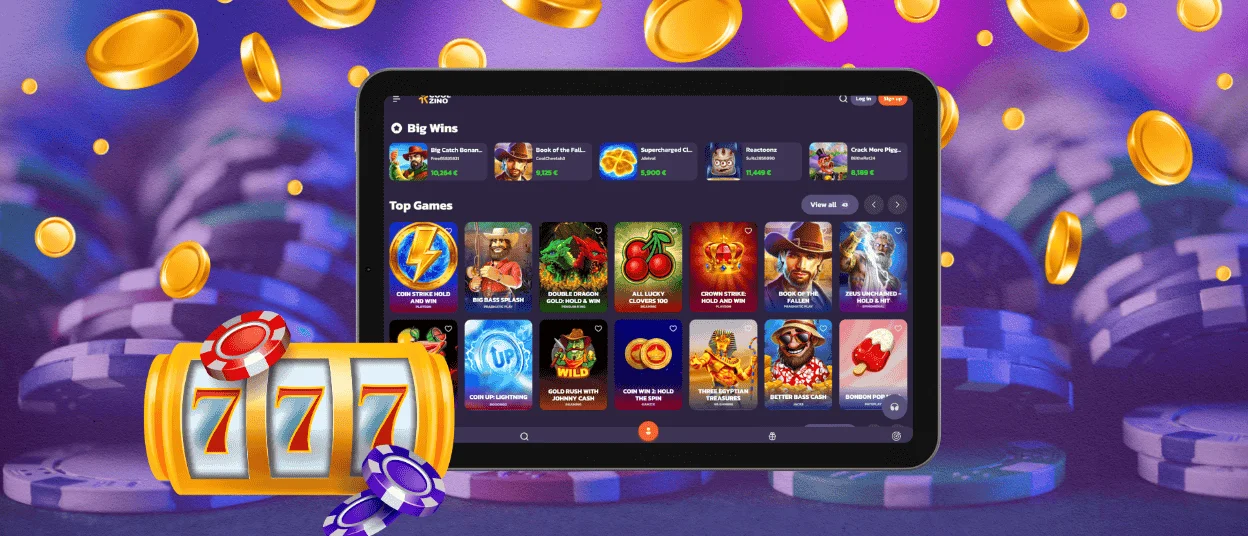
You can get our PWA on your phone or tablet using the Casino App button. After tapping it, you’ll be taken to a separate page with app reviews and an Install option.
Sometimes our players have issues during the setup process, but these are easy to fix:
- Install button doesn’t work – This happens if your browser can’t find the manifest. Try refreshing the page or using a different browser.
- Shortcut didn’t appear – Check if there’s enough free storage on your device. Although the Coolzino app takes up very little space, installation can fail if your phone’s memory is full.
- Our solution is running slowly – You likely have power-saving mode enabled. This can affect the app’s performance.
- PWA doesn’t work after an OS update – Your cache needs to be cleared. Delete our application and reinstall it.
If you still have questions or other problems, please contact the Coolzino Casino support team. You can find the Live Chat button either on our website or in the app.
Coolzino iOS App
The main advantage for iPhone and iPad users is that they don’t need to visit the App Store. They can install the Coolzino app directly from our website. Plus, it updates automatically, so there’s no need to worry about annoying reminders to download the latest version.
The Coolzino Casino solution also has low battery consumption. That’s because it doesn’t need to access your device’s services, such as GPS, Bluetooth and others. So you can play online slots and even more battery-intensive games, like live casino titles.
Coolzino Casino Access for Windows and macOS
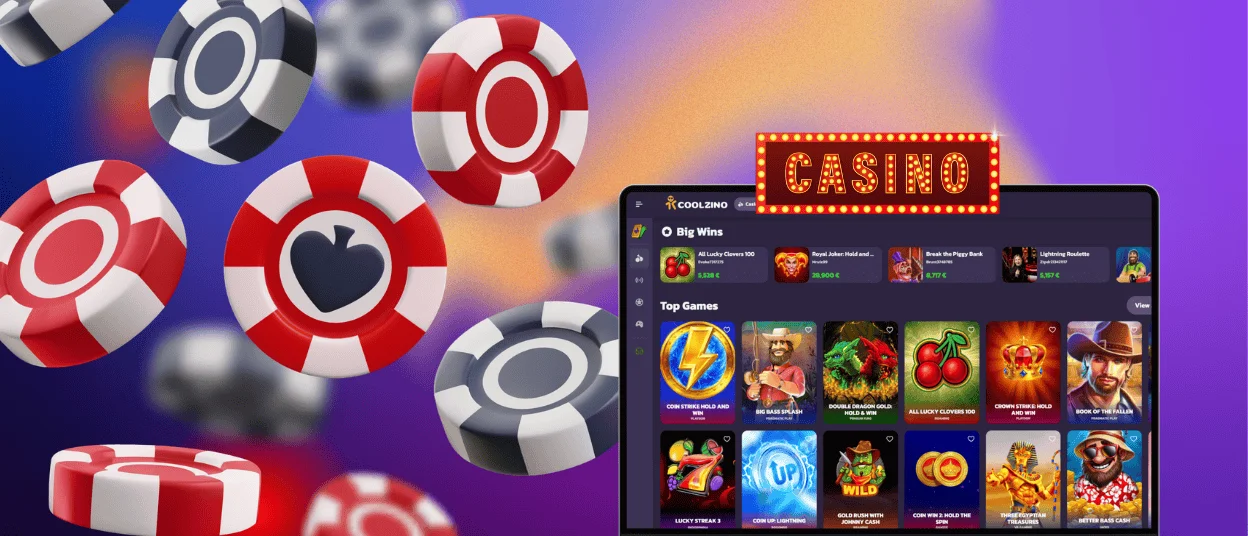
Not only can mobile players enjoy the benefits of a more user-friendly app, but desktop users can too. The interface looks the same as our website. However, it offers some improvements:
- Icon – You can launch our solution just like any other program on your computer: from your desktop screen or via the Start button.
- Browser-free window – The Cool Zino Casino platform opens without tabs or an address bar.
- Badges – With notifications turned on, you’ll see a red circle on the icon when a new message arrives.
- Autostart – If you mostly use your computer for gaming, you can set the Coolzino app to launch together with the operating system.
The desktop installation process is exactly the same as on mobile devices. You’ll also only need to click two buttons – Casino App and Install.
FAQ
Are all bonuses and tournaments available on mobile?
Our rewards program and all other activities are the same in the mobile casino version. So you can just as easily activate your welcome package or sign up for the Rookie Rumble tournament on your mobile device.
Can I complete the verification process in the PWA?
Yes. If you allow the Coolzino app to access your gallery, you’ll be able to upload photos of your documents. You can also track your verification status there.
Can I switch between devices?
You can install our app on your phone and your desktop and switch between them whenever you like. Just don’t use both devices at the same time. Otherwise, the Coolzino Casino system may flag it as suspicious activity and block your account.
Will I lose my progress if my phone suddenly runs out of battery?
Your Cool Zino account and balance will still be there. And if you were playing slots when your device lost power, your game results will be saved too. That’s because they’re stored on the provider’s servers.


